
What Clearahead doesn’t do, and why.
Clearahead is for planning the big moves: the goal, what’s holding it back and the moves that clear it. It isn’t trying to be every tool your team uses, and the things we’ve left out are as deliberate as the things we’ve built.
So here’s what we’ve left out on purpose, why, and how to work around it with the tools you already use.
The short version.
Clearahead holds the why. Your other tools hold the doing.
Your team already has a delivery tool, a dashboard, a chat app and a drawer full of slide decks. We don’t want to be one more of those. We want to be the one place where everyone can see the goal, what’s in the way and the big moves to clear it, and know it’s current.
The pattern is the same every time. Keep doing the work where you do it now. When something meaningful happens, drop a note into Clearahead. AJ does the rest: it updates the right items, saves what you said as evidence and makes sure it surfaces in the right places.
Clearahead doesn’t do
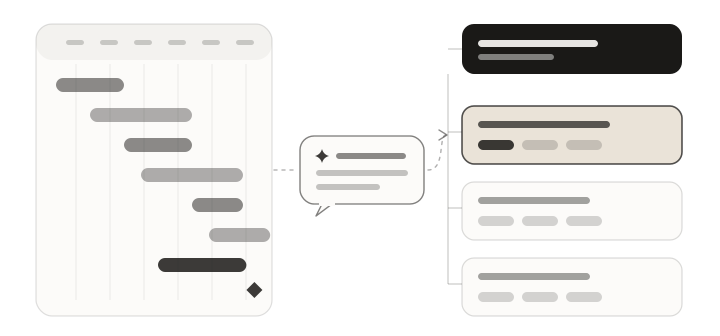
Gantt charts
Clearahead is for planning the big moves. It isn’t a project delivery tool.
Why we left it out
You likely already use one or more tools that do this well, so we’ve left it out. A Gantt chart is brilliant at sequencing tasks and spotting clashes. It’s not great at telling you whether the project is the right thing to be doing in the first place.
Put a Gantt chart in Clearahead and the model fills up with dates and dependencies, and the reason behind the work gets buried.
How to work around it
Use Clearahead to define the goal, uncover the constraints and plan the big moves that need to be made. Then build out the project in your delivery tool, whether that’s Asana, Monday or Trello.
Periodically report back to Clearahead when there are meaningful updates. Drop a note on the move and AJ will do the rest: it rewrites where the move stands, logs what you said and suggests a new status if it’s changed.
Clearahead doesn’t do
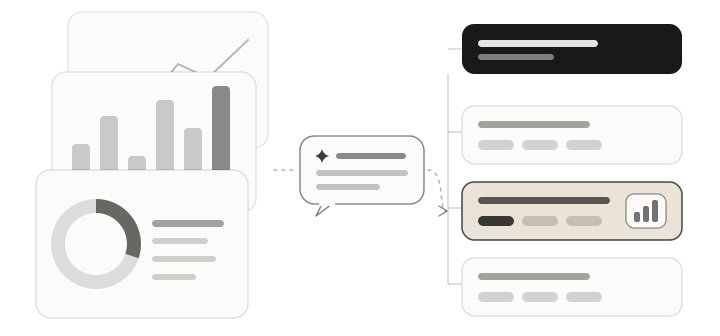
Charts and graphs
You likely have these in abundance already, so let’s not create more.
Why we left it out
Most teams aren’t short of numbers. They’re short of the story behind them. Another chart tells you a number moved. It doesn’t tell you why, whether it matters or what you’re doing about it.
Building charts would also mean plugging into your CRM, finance and product data, and keeping all of that in sync. Your dashboards already do that job.
How to work around it
Use your dashboards and reports to surface the metrics. Then report them into Clearahead with the context and narrative that help your team understand them: what the number is, what changed and what you think it means.
AJ saves each one as evidence, with who said it and when. If it’s relevant, it surfaces in the right places within the model, against the constraint or move it supports.
How Clearahead works with data →Information is cheap now. Decisions aren’t. →
Clearahead doesn’t do
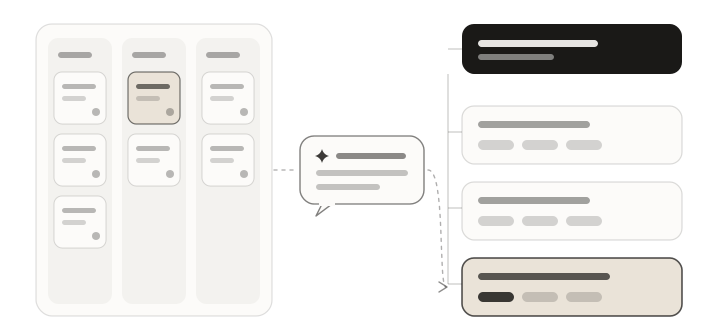
Kanban boards
Moves aren’t tickets, so they don’t live on a board.
Why we left it out
A Kanban board is great for moving lots of small tasks from to do to done. But Clearahead isn’t a to-do list. Moves are bigger than tasks, done in weeks, not days, and each one sits under the constraint it’s meant to clear. Line them up in columns and you lose the why.
Moves already sit in three simple groups: proposed and not started, in progress, and done or dropped. That’s all the board a leadership team needs.
How to work around it
Keep your board in Trello, Jira, Asana or wherever your team already works. When a move kicks off a pile of tasks, break them out on the board and let the team run with them.
When the move itself has moved, tell AJ. Everyone can see what’s theirs in My work, without anyone dragging cards around in two places.
Trello vs Clearahead →Remove constraints, don’t add initiatives. →
Clearahead doesn’t do
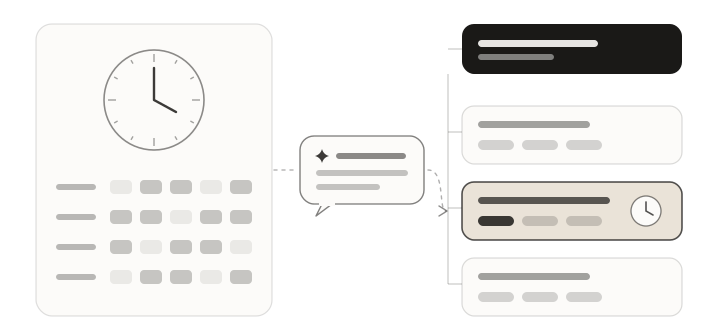
Time tracking
We care whether a constraint is easing, not how many hours went into it.
Why we left it out
Hours logged is activity, and activity isn’t progress. A team can be flat out for a month and not shift the thing holding the goal back. We’d rather show whether it’s working.
Time tracking would also turn Clearahead into another timesheet nobody wants to fill in, and that’s the fastest way to make a plan go stale.
How to work around it
If you bill by the hour or need timesheets for payroll, keep using Harvest, Toggl or whatever you use now.
If the time something’s taking is the story, say so. “This move is eating twice the effort we planned” is useful evidence. Tell AJ and it sits against the move, where the team can see it when deciding what to do next.
Clearahead doesn’t do
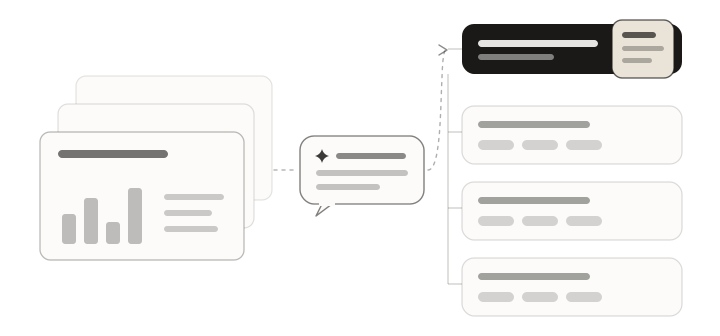
Presentation decks
A deck is a snapshot that was out of date the day after you built it.
Why we left it out
The board deck usually takes someone a day to build and shows where things were last week. We’d rather the plan was always current, so there’s nothing to build.
Slides are also where the “why” gets trimmed to fit. The model keeps it, on every goal, constraint and move.
How to work around it
Before a leadership meeting, a board meeting or an all-hands, open This week from AJ on the goal: the wins, what moved, what we learned and what needs you. Or ask AJ to summarise the plan before the meeting.
Invite the board, investors and advisers as Viewers so they can see the live model whenever they like. If you still need slides, paste AJ’s summary into PowerPoint, Keynote or Google Slides and you’re most of the way there.
How to run a weekly leadership meeting →Status meetings vs Clearahead →
Clearahead doesn’t do
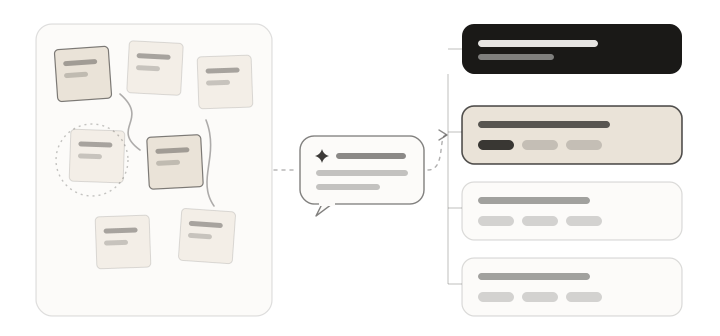
Whiteboards
Whiteboards are great for getting ideas out. They’re bad at remembering what you decided.
Why we left it out
A sticky note doesn’t have an owner, a due date or a reason. Last quarter’s planning board is usually a graveyard of good ideas nobody picked up.
Infinite canvas tools already do the messy, creative bit really well. Clearahead is where the decisions go once the messy bit is done.
How to work around it
Run the workshop in Miro, FigJam or on an actual wall. Then type up or paste what came out of it and talk it through with AJ. AJ helps you pull out the goal, the real constraints and the moves, and asks “why?” until you reach something you can fix.
Anything that’s not ready yet goes in Ideas, so it isn’t lost and it isn’t cluttering the model either.
How to run an annual planning session →The machine asks, people decide. →
Clearahead doesn’t do
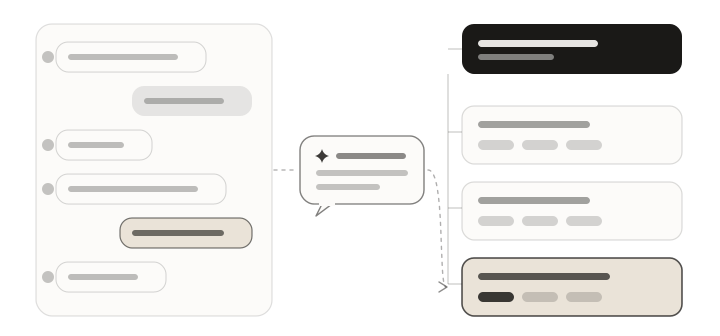
Team chat
Your team already has Slack or Teams. Nobody needs another inbox.
Why we left it out
Another place to check for messages is the last thing a busy team needs. And decisions made in chat are hard to find a week later, buried under a hundred other threads.
So there’s no team chat, comments or DMs in Clearahead. There’s AJ to talk to about your plan, and that’s it.
How to work around it
Keep talking in Slack or Teams. When a conversation lands on something that matters, like a decision, a number or a move that’s slipped, drop it into Clearahead as a short note. AJ updates the right items, so the decision lives next to the work it affects.
Everyone hears about the changes that matter to them in a short summary email on the mornings they choose, not one ping per change.
What Clearahead does do.
It keeps your whole team aligned on the goal, what’s holding it back and the moves that clear it, with AJ keeping everything current.
- The model Your goal, the constraints holding it back and the moves to clear them, in one view.
- The context area Where every item stands today, and why it matters.
- This week from AJ A short brief every Monday: the wins, what moved and what needs you.
- Evidence The numbers and quotes behind every decision, with who said them and when.
Questions.
Does Clearahead connect to Asana, Monday or Trello?
Not today. Your delivery tool runs the project and Clearahead keeps the why. When something meaningful happens, drop a note into Clearahead and AJ updates the right items. It takes a sentence, not a sync.
Can Clearahead pull numbers in from our dashboards?
No. Clearahead doesn’t connect to your systems to pull numbers in. You tell AJ the numbers that matter the way you’d tell a colleague, with what they mean, and AJ saves them as evidence against the right constraint or move. How Clearahead works with data has more.
Is Clearahead a project management tool?
No. Clearahead is where your leadership team decides what matters and why: the goal, what’s holding it back and the big moves to clear it. Project management tools run the work underneath. Most teams use both. See Asana vs Clearahead and Monday vs Clearahead.
Can people message each other in Clearahead?
No. There’s no team chat, comments or DMs. You can chat with AJ about your plan, and everyone can update the items they own, but conversations between people stay in Slack, Teams or wherever you have them now.
Not sure whether something fits? Get in touch.
Set your destination. Clearahead gets you there.
Free for up to 3 people. No card needed.